分类: Lifestyle

  • How to Create an Impactful Logo for Your Twitch Channel

    How to Create an Impactful Logo for Your Twitch Channel

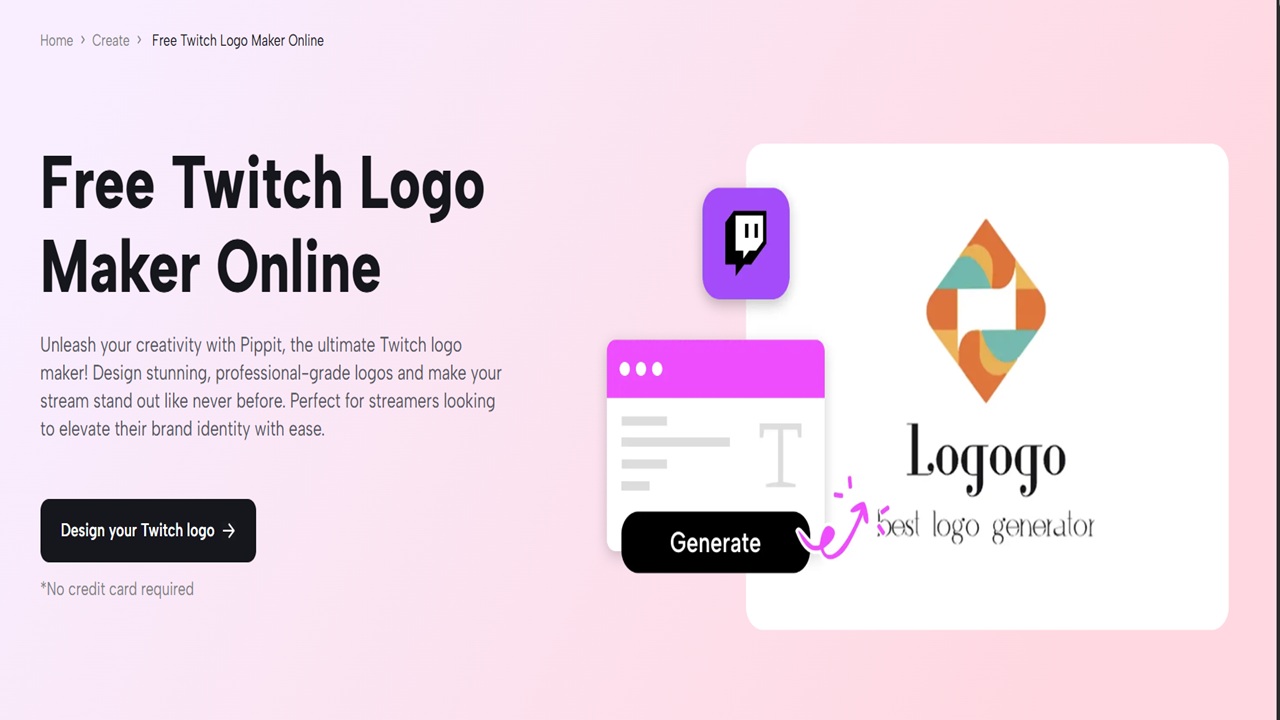
    People know that the initial impression plays a vital role in Twitch streaming. Your logo functions as the visual foundation of your brand since viewers first encounter it before they hear your voice or observe your gameplay. A well-designed logo serves two purposes: to make your channel appear professional and to help you establish a unique identity in the crowded streaming space. The following guide demonstrates how to build a compelling logo through, a twitch logo maker Pippit’s AI, regardless of your streaming niche, whether you are a gaming enthusiast or a creative content creator.

    Why a Strong Twitch Logo Matters

    Your Twitch logo functions beyond being an attractive design because it represents your personal identity and the streaming content viewers will experience. A distinctive logo enables your brand to stand apart while building viewer trust, which leads to consistent branding across YouTube, Discord, and social media platforms.

    Step-by-Step Guidelines for Making a Twitch Logo

    AI-based tools within Pippit’s platform have simplified the process of creating impactful logos for all users who are building new designs or updating existing ones.

    Designing a Distinctive Twitch logo

    Your first step toward creating a Twitch logo should start at Pippit’s Image Studio, which serves as a design accelerator and simplifier.

    • Users can begin working in the Image Editor interface.
    • Start your design process by opening the Image Studio, where you can choose your desired canvas dimensions. A profile image should use square dimensions at 800×800 pixels when you are uncertain about the size.

    Use the Image Generator Plugin

    • To use this, select the Plugins option from the left panel, then choose the Image Generator tool.
    • Enter your requirements for the logo design through a written prompt. The description “a fierce purple wolf with neon eyes in a cyberpunk style” provides better guidance than “cool wolf logo.”
    • Uploading a reference image to the AI system will help it create your perfect design.
    • Users can personalize their design through aspect ratio selection, character style options, and artistic filter adjustments.
    • When your setup meets your standards, you can activate the Generate option to observe how the tool creates your logo concept.
    • The AI-based design process enables users to create unique logos that appeal to their channel’s aesthetic.

    Customize Your Twitch Logo

    Select the logo from the AI-generated options that captures the essence of your Twitch persona. The fundamental transformation occurs during the customization step.

    Personalize Every Detail

    • You can personalize your design through the left panel of the editor by:
    • The editor allows you to include special themes together with text elements that use different font styles.
    • You can add shapes along with stickers and frames to your logo for structure or visual flair.
    • You should build dynamic collages when you need your logo to combine multiple design elements.
    • The customization process allows you to upload your own brand images or assets to create a truly personalized design.

    Fine-Tune with Smart Tools

    The right panel contains advanced features that allow you to:

    • You should use filters and special effects to make your logo more visually appealing.
    • Your channel needs consistent color settings, which you can adjust through this interface.
    • The background removal tools enable you to extract elements or generate transparent PNG files.
    • The AI tools available in your design software will help you automatically adjust lighting, sharpness, and layout.
    • You can surpass basic AI-generated designs by using this step to develop a distinctive logo that perfectly represents your Twitch identity.

    Download Your Twitch Logo

    You can finish your customized logo creation by sharing it with others around the world.

    • Download with the correct settings.
    • You can access the download function by clicking the button in the interface’s upper right part.
    • PNG stands as the preferred file format for logos because it provides transparency features.
    • Twitch users need specific resolution and quality settings, which you should adjust before uploading your content.
    • Save your file to your device and directly upload it to your Twitch channel together with your banner panels and offline screen graphics.
    • Your newly created professional Twitch logo represents your identity while enhancing your brand identity.

    Conclusion

    Your Twitch logo is your channel’s primary visual representation, expressing your style, broadcasting dedication, and content quality. The AI-powered tool Pippit’s Image Studio allows anyone to produce premium customized logos without requiring professional design skills. These steps enable you to develop a visual identity that connects with your audience, whether you launch a new channel or rebrand an existing one. Start by generating your logo through customization options, followed by downloading a design that makes your brand stand out.
  • Turnkey Cosmetic Packaging Solutions: Saving Brands Time & Resources

    Turnkey Cosmetic Packaging Solutions: Saving Brands Time & Resources

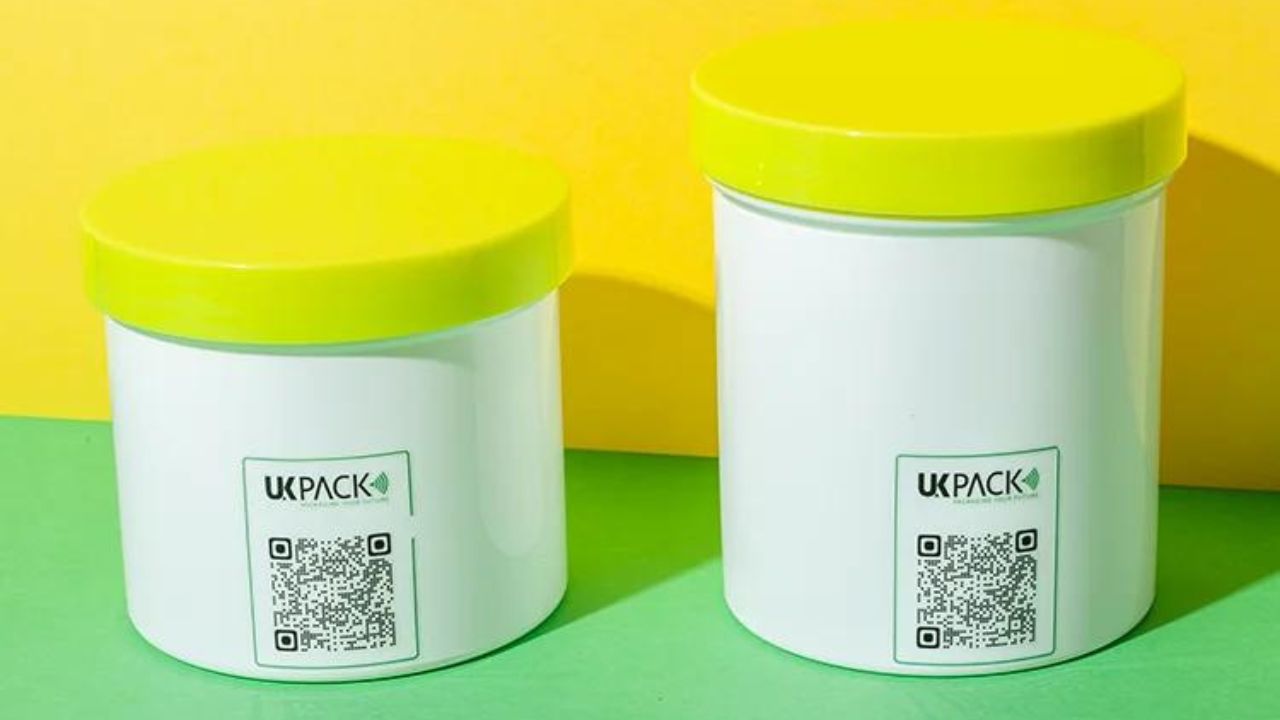
    Producing cosmetic products demands sustained work along with an appropriate amount of time. The formula has to be right. The aesthetics, together with functionality, should be prime considerations for the packaging design. Making the correct packaging type together with developing labels plus supplier acquisition demands a significant duration to finish. Turnkey cosmetic packaging solutions serve as an essential solution for brands that need efficient product packaging completion services. A turnkey solution implies product completion under one facility. The supplier handles complete activities from design development to manufacturing and shipping the products. The process becomes faster and simpler through this approach. UKPACK is an organization that supplies these solutions to customers. Brands experience faster time-to-market and lower costs because they obtain pre-made cosmetics packaging service from this solution.

    What Is Turnkey Cosmetic Packaging?

    Turnkey packaging constitutes a whole package that presents itself as one integrated solution. The supplier performs every aspect of the work. A supplier carries out all aspects of packaging development from the initial stage through manufacturing until final delivery. The package management responsibility and delivery concerns lie entirely with suppliers, as brands maintain freedom from these sources of stress. Under turnkey packaging, brands have two options to choose from: either ready-made designs or custom creations. The supplier takes responsibility for all operations. Brands maintain their product focus by letting turnkey packaging handle their packaging issues.

    Why Do Brands Choose Turnkey Packaging?

    The turnkey solution attracts many brands in the beauty industry since it simplifies their operational tasks. Companies under turnkey packaging structures work exclusively with one supplier instead of dealing with multiple suppliers. Time savings and lowered stress levels occur because of this method. Turnkey packaging is also cost-effective. Purchasing all goods from a single supplier helps cut down overall expenses. Brands avoid dealing with package-related hassles that come from multiple supplier companies. This makes budgeting easier. Another reason is quality control. Excellent turnkey suppliers guarantee high-quality standards for all packaging materials. Brands receive robust packaging that is both safe and attractive with assurance of no errors operating through the supplier.

    How Turnkey Packaging Saves Time

    Time represents a primary resource of value in the beauty industry. A brand can maintain a competitive advantage through fast product market launches. The entire solution moves forward more quickly when turnkey solutions implement their processes. The supplier has already developed materials and designs that are ready to be used. Through such approaches, brands eliminate long waiting periods for production. This complete facility operation maintains both efficiency and speed in the production process. Turnkey suppliers handle shipment management and logistics duties apart from providing package services. The process of monitoring multiple delivery shipments becomes unnecessary for brands. The packaging arrives at the destination pre-packaged and prepared for immediate use, thereby reducing time consumption.

    How Turnkey Packaging Saves Money

    Companies experience high expenses by buying packages individually from many different providers. All operational phases between production and design require monetary investments. Turnkey suppliers merge all packaging components into a combined package, which leads to decreased costs. Businesses normally receive wholesale rebates as part of single-order lots. Through such package arrangements, brands access premium products at more affordable costs. The turnkey supply system removes all unnecessary material waste. These providers check and verify the packaging dimensions, along with suitable materials. The cost of improper material allocation is minimized through this approach.

    Customization Options with Turnkey Packaging

    Many brands want unique packaging to stand out. Turnkey suppliers offer customization options to match a brand’s style. Customization can include:

    • Special shapes and sizes
    • Unique colors and finishes
    • Printed logos and labels
    • Eco-friendly materials

    A good turnkey supplier works closely with brands to create the right look. This ensures the packaging fits the product and attracts customers.

    Eco-Friendly Packaging Options

    Most beauty brands are now concerned with sustainability. Turnkey suppliers provide sustainable options such as biodegradable, recyclable, and refillable packaging. Going green with packaging attracts environmentally conscious consumers to the brand. It also demonstrates that a brand is responsible and innovative.

    Common Packaging Types Available in Turnkey Solutions

    Turnkey suppliers offer many packaging types for different beauty products. Some common options include:

    • Bottles for lotions and serums
    • Jars for creams and balms
    • Tubes for gels and masks
    • Pump and spray containers for mists and liquid makeup

    Having different options makes it easy for brands to find the right packaging for their products.

    Conclusion

    The entire cosmetic packaging process available at once reduces both financial expenses and operational periods for beauty companies. These packages provide design and delivery services together with the entire production process within a single facility. This is easy and hassle-free. UKPACK operates as a company which provides such solutions. An excellent turnkey supplier guarantees packaging solutions that combine premium quality products at reasonable prices with fast delivery. The brand’s focus remains on its customer base and product development, thanks to packaging solution independence.

  • A Step-by-Step Guide to Selling FC 25 Coins on FIFACOIN

    A Step-by-Step Guide to Selling FC 25 Coins on FIFACOIN

    The gaming community depends on FC 25 coin sales because they enable players to convert their virtual currency into actual money. FIFACOIN’s secure system allows users to sell their FC 25 coins quickly. Sell EA FC coins safely and speedily through a trusted platform for the best rates and secure transactions. Learning about the transaction process and implementing the proper steps will lead to a smooth experience. Here is a complete explanation of how to start a sale and achieve transaction success on FIFACOIN.

    Understanding the Selling Process

    Users must understand the system basics before beginning their FC 25 coin sales operations on FIFACOIN. FIFACOIN is a connection point between sellers and buyers to guarantee secure and efficient trading. The platform enables a player auction system, which is the safest method for coin transfers. Through this system, sellers can list their player cards for the website to purchase them, thus enabling risk-free transactions.

    Accessing the “Sell to Us” Page

    Users can start selling by accessing the FIFACOIN website and selecting the “Sell to Us” section from its pages. Users who want to convert their FC 25 coins into real money can find the dedicated exchange page on this platform. The website shows up-to-date exchange rates between PlayStation, Xbox, and PC platforms, which helps sellers determine their coin worth in real time. The market rates allow sellers to decide when to sell their items to achieve maximum financial benefits.

    Selecting a Player Card

    After reaching the selling page, users must choose their player card. The seller needs to select an Ultimate Team squad member whose player card will be used for the coin transfer process—the platform guides which player card sellers should use during transactions to achieve successful results. The correct card choice lets the system detect the listing and make quick purchases.

    Listing the Player in the Web App

    After choosing the right player card, the seller must post the player on the FC 25 web application using the selected price. The FIFACOIN platform requires users to maintain a specific price range for successful transactions. The recommended price serves as a transaction requirement, preventing delays or cancellations. A smooth transaction process occurs when the listing price matches the FIFACOIN value.

    Confirming the Transaction

    The seller must use the FIFACOIN platform to verify the transaction after the player appears on the web app. The system requires this step to validate the listing before executing the purchase. The seller must confirm that their account details are accurate and follow all guidelines to prevent possible problems at this stage. The verification system exists to fight against fraud and safeguard both purchasing and selling parties.

    Completing the Sale

    Following verification completion, the FIFACOIN system executes the purchase of listed players by moving FC 25 coins from seller to buyer accounts. The FIFACOIN system finishes transactions in a short duration that depends on demand levels and the quality of the posted listing. After the transaction, the seller is paid through the established payment terms. FIFACOIN delivers quick and secure payment processing that executes orders in under a minute.

    Ensuring a Safe and Secure Transaction

    Security remains the main priority during the process of selling FC 25 coins. FIFACOIN operates with an auction system for players, which protects users from bans and enables smooth transaction completion. The safety of accounts depends on sellers performing only a limited number of high-value transactions within short periods because EA’s anti-cheating algorithms could be activated. The prevention of account restrictions depends on sellers distributing their transactions and adhering to recommended selling protocols.

    Maximizing Profits When Selling Coins

    Sellers who want to achieve their maximum selling price for FC 25 coins must regularly track market rates. The coin market responds to supply and demand patterns, allowing sellers to identify optimal times for maximizing their profits through sales—better rates and increased earnings result from exploiting special promotions and periods of high demand. Knowledge of current market trends helps sellers gain an advantage in coin transactions.

    Why Sell FC 25 Coins on FIFACOIN?

    FIFACOIN is a dependable platform enabling users to conduct secure transactions involving FC 25 coins. FIFACOIN offers secure transactions and fast delivery backed by a refund policy that protects user satisfaction to its 1.2 million satisfied customers. Sellers benefit from live chat support, which operates 24 hours a day to provide quick solutions for their problems. The platform is the preferred option for FC 25 coin sellers because it provides security and efficiency in their transactions.

    Conclusion

    Converting FC 25 coins to real money through FIFACOIN is straightforward, ensuring secure financial transactions for players. Sellers can achieve successful transactions by correctly following the steps that begin with selecting their player card and end with completing the sale. Success in the FIFACOIN platform depends on market trend analysis, account protection, and the use of its trusted player auction system to generate profitable outcomes. FIFACOIN provides quick processing and secure payment solutions to remain a top choice for users who want to sell their FC 25 coins efficiently.

  • How to Offer Limited Edition Designs with Wholesale Ready to Press Heat Transfers

    How to Offer Limited Edition Designs with Wholesale Ready to Press Heat Transfers

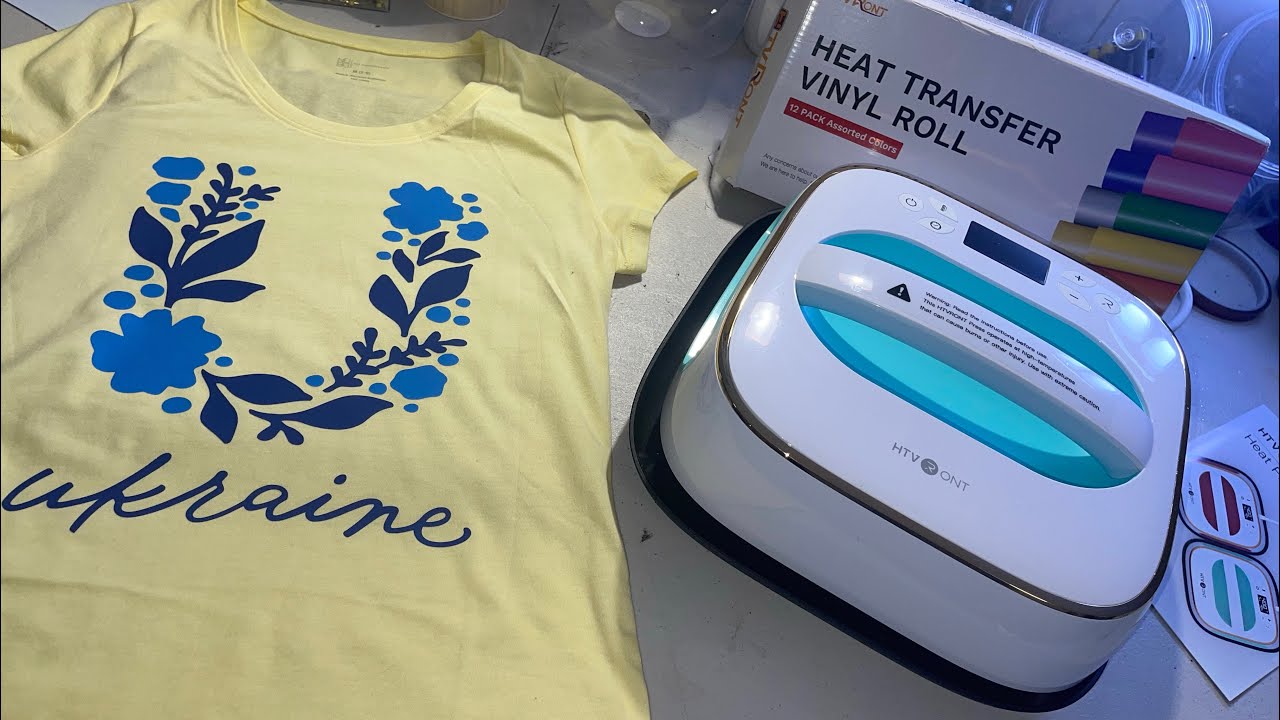
    The crowded fashion market can be distinguished by businesses that offer limited edition designs. Limited edition designs create excitement and drive customer engagement. Companies can create affordable short-run designs using wholesale ready-to-press heat transfer press techniques. The wholesale ready to press heat transfers make it possible to test new designs and meet customer requests at a fraction of the cost of expensive machinery.

    Unique Limited Edition Prints with Wholesale Ready to Press Heat Transfers

    Businesses can execute seasonal, event-oriented, and trendy designs using pre-pressed heat transfer materials from wholesale sources. Businesses do not need intricate printing setups because these transfers arrive ready to use. Fast product release becomes possible because of this method. Special edition prints are derived from annual celebrations, artistic team-ups, and exceptional occasions. A heat press allows businesses to switch designs quickly, ensuring flexibility. This flexibility helps businesses stay relevant by adapting to trends. Another advantage is cost control. Companies obtain premium-quality transfers by taking advantage of wholesale pricing that delivers lower price rates per unit. The risk to the business is lower because limited edition prints only need to be stocked in small quantities for direct selling.

    Increasing Brand Value with Wholesale Ready to Press Heat Transfers

    The release of exclusive designs restores a perception of scarcity among customers. Customers are more likely to buy when they know a design is only available for a limited time. The brand maintains its exclusive feel because of this practice, which leads customers to make repeated purchases. Through wholesale ready to press heat transfers, businesses can establish customization services for their customers. Ready to press heat transfers enable brands to let customers select between multiple color options or minor customization choices, thus creating personalized shopping moments. Customized products strengthen brand loyalty by offering a unique experience. The major success factor in advertising these designs stems from social media marketing strategies. The promotion of limited edition collections relies on time countdowns and behind-the-scenes videos, along with customer testimonials. Heat transfer production speed enables businesses to introduce their designs when market trends emerge, thus capitalising on profitable opportunities.

    Limited Edition Apparel with Wholesale Ready-to-Press Heat Transfers

    The main difficulty with producing limited edition designs centers on production management. Screen printing proves inadequate for small production quantities because buyers must order large amount batches. The wholesale ready-to-press heat transfer system enables businesses to print according to their specific demands. This production method allows businesses to make products only according to their current requirements, thus preventing extra inventory from building up. The application process requires just a heat press machine to perform it quickly and conveniently. Staff members require no special training for this operation, leading to reduced labor expenses. Wholesale supply companies provide diverse transfer options, including full-color, glitter, and metallic designs for their customers. Brands can explore many design options by utilizing this variety since it enables them to test different looks without requiring extensive production quantities. The methodology enables businesses to experiment with different designs through small-scale testing to get customer input before executing bigger order production.

    Conclusion

    Limited edition designs serve as a strategic business tool for attracting fresh customers while raising sales performance. Businesses can make exclusive products without high initial investment through the use of wholesale ready to press heat transfers. Businesses can execute new designs in a timely manner, regulate their costs, and maintain industry leadership through this method. Through the utilization of heat transfers, businesses can maintain a strong brand reputation while attracting more clients and monitoring their product supply effectively.

  • Ways to Incorporate a Blue Sandstone Ring into Your Everyday Look

    Ways to Incorporate a Blue Sandstone Ring into Your Everyday Look

    Blue Sandstone is a deep blue gemstone with shimmering star-like flecks. It is popular for its celestial beauty and symbolic meaning. It’s elegant and versatile in nature. These features make it suitable for various outfits and occasions. Here are ways to incorporate this dazzling blue sandstone into an everyday look for those seeking a unique and elegant ring.

    Elevating Casual Wear with a Subtle Spark

    The Blue Sandstone ring balances casual comfort with sophisticated sparkle, complementing neutral tones and earthy styles with subtle elegance. Its striking hue and delicate shimmer accentuate laidback looks without overwhelming. Unlike bold statement pieces, the understated sparkle creates harmony between relaxation and refinement.

    Enhancing a Professional Wardrobe

    A Blue Sandstone ring offers elegant enhancement for professionals seeking personality in structured attire. Paired with tailored dresses, button-down shirts, or blazers, deep color, and gentle gleam maintain sophistication for the office. Overly flashy jewelry is replaced with a celestial beauty suitable for any setting. Worn alone or with simple studs, confidence, and professionalism are elevated whether the day brings structure or spontaneity.

    Making a Bold Statement with Dark and Gothic Style

    Devotees embracing alternative or gothic fashion find a Blue Sandstone ring fitting their aesthetic. The gem’s profound, cosmic coloring pairs without effort alongside black garments, lace, leather, and somber accessories. Coffin-cut or crescent moon-contoured Blue Sandstone rings heighten the mystical allure, making them ideal for those who prefer a brave and unconventional mode. The starry essence pervading the stone incorporates an ethereal touch, bolstering the appeal of gothic and celestial-inspired fashion.

    Crafting a Pared-Back Appearance

    For individuals favoring a clean, minimalist aesthetic, a Blue Sandstone ring provides merely the proper amount of shimmer without being overwhelming. Worn independently, the ring functions as a subtle focal point enhancing a simple ensemble. Paired with neutral hues, monochrome outfits, or delicate adornments, it becomes an elegant declaration reflecting effortless style. The balance of minimalism and celestial charm renders it a perfect everyday accessory.

    Complementing Evening Attire and Special Occasions

    A Blue Sandstone ring can enhance formal apparel as seamlessly as casual wear. Whether donning evening gowns for celebratory feasts, flowing frocks to wedded bliss, or sophisticated jumpsuits to ritzy soirées, the glittering gem adds luxury and sophistication. Its crystalline gleam mimics starlit evenings, captivating observers with outfits appropriate for elegant and decadent affairs. The stone accentuates complete looks without overpowering delicate details when paired with matching jewels dangling from lobes or clasped around slender necks.

    Complementing Seasonal Stylings with a Celestial Charm

    The versatile Blue Sandstone ring is suitable for year-round use and complements seasonal selections. During spring and summer, its cooling colors contrast blossoming prints, while in autumn and winter, deep blue harmonizes with cozy tones. No matter the month, the gem maintains its heavenly aura, rendering it a closet staple for any wardrobe.

    Symbolizing Personal and Spiritual Connections

    Beyond beauty, Blue Sandstone carries symbolic significance – often associated with insight, ambition, and positivity. Many wear it daily as a reminder of dreams and growth, using the ring for more than mere adornment. Incorporating it into looks becomes a method to stay connected to intentions and aspirations. Whether worn for spiritual reasons or aesthetic appeal alone, the ring holds a unique meaning, enhancing sentimental value.

    Layering with Stackable Rings for a Trendy Look

    For a modern, stylish effect, a Blue Sandstone ring can be paired with thin gold or silver bands, gemstone rings, or celestial-themed jewelry. Mixing different ring styles creates a layered and dynamic look, making the Blue Sandstone a standout piece in the arrangement. Rather than uniformity, the key to effective stacking is finding an intriguing balance between textures and hues, ensuring that the Blue Sandstone stands as a focal point within the grouping.

    Using Blue Sandstone as a Distinctive Accessory

    A Blue Sandstone ring serves as an ideal choice for people who want to wear only one statement piece of jewelry. The ring stands as a personal statement when placed on any finger of the hand, including the dominant hand and pinky finger or middle finger. Its deep, enigmatic color and distinctive sparkle create an eye-catching appearance that feels both modern and eternal. Blue Sandstone rings make exceptional signature pieces because they unite elegance with mystery and charming elements to express individuality.

    Conclusion

    A Blue Sandstone ring functions as a flexible accessory that improves everyday outfits yet also makes professional appearances more stylish and pairs well with alternative fashion styles while functioning as a signature touch. The celestial beauty combined with the flexibility of this stone makes it an ideal choice for expressing individual personality. This jewelry piece works perfectly for both daytime and nighttime events and all seasons, thus becoming an essential element for any jewelry enthusiast.

  • The Role of Digital Marketing Images in Building Brand Awareness

    Digital marketing images are an essential part of any marketing strategy, helping to convey your message visually and attract your audience’s attention. Whether you’re creating images for social media, email campaigns, or online ads, having the right visuals can make a significant impact on your brand’s success. In this article, we will guide you on How to Create Impactful Digital Marketing Images: A Complete Guide that aligns with your marketing goals and enhances your overall strategy.

    Key Elements of Digital Marketing Images

    Creating effective digital marketing images requires a blend of creativity and strategy. Here are the key elements that contribute to the success of your digital marketing visuals:

    1. Consistent Branding

    Your marketing images should reflect your brand’s identity, including its color scheme, fonts, and logo placement. Consistency in visual elements builds brand recognition and helps establish a professional, cohesive presence across all digital platforms. Always ensure that your images align with your brand’s tone and message.

    2. Clear Messaging

    Images are meant to communicate your message quickly. Whether it’s promoting a product, announcing an event, or raising awareness about a cause, your images should clearly convey the key message. Avoid cluttering your visuals with too much text; instead, focus on creating a strong visual impact that complements your message.

    3. High-Quality Visuals

    Quality matters when it comes to digital marketing images. Use high-resolution images and graphics that appear crisp and professional. Low-quality or pixelated visuals can damage your brand’s credibility and make your content less engaging. Invest in quality visuals that resonate with your audience and make a lasting impression.

    4. Compelling Call to Action (CTA)

    Every marketing image should have a clear call to action that guides your audience toward the next step. Whether it’s “Buy Now,” “Learn More,” or “Sign Up Today,” your CTA should be visible and action-oriented. Place it strategically within the image to draw attention without overwhelming the viewer.

    5. Image Format and Optimization

    The format and size of your images are also crucial for digital marketing success. Ensure that your images are optimized for the platform you are using, whether it’s for social media, email campaigns, or web ads. Proper optimization helps improve loading times and ensures that your images look great on all devices.

    Conclusion

    Creating impactful digital marketing images requires a balance of creativity, strategy, and consistency. By focusing on high-quality visuals, clear messaging, and brand consistency, you can develop images that capture attention and effectively communicate your brand’s message. With the right approach and tools, you can elevate your digital marketing strategy and boost your engagement with your target audience.

  • How to Resize MP4 in Effective Ways: Master Perfect Video Dimensions

    Videos are essential for engaging your audience across various platforms, but uploading videos in the wrong size can lead to poor user experiences. Whether you’re creating content for social media, websites, or marketing campaigns, knowing how to resize MP4 files to the correct dimensions is crucial. In this article, we’ll discuss effective ways to resize MP4 videos and how you can master the art of achieving the perfect video dimensions.

    Why Resizing MP4 Videos Is Important

    Resizing MP4 videos allows you to ensure they fit perfectly on different platforms. Each platform has specific requirements for video dimensions, and resizing helps to maintain the visual integrity of your content while optimizing the playback experience. Here are a few key reasons why resizing is crucial:

    • Fit Platform Requirements: Different social media platforms and websites have their preferred video dimensions for optimal display.
    • Faster Load Times: Correctly sized videos load faster and provide a better experience for users, reducing bounce rates.
    • Improved Engagement: Well-sized videos are more appealing and professional, leading to higher engagement rates.

    Common MP4 Resizing Dimensions for Different Platforms

    Each platform has a unique aspect ratio and resolution requirement for videos. Here’s a breakdown of the most common platforms and their video size specifications:

    1. YouTube

    YouTube is primarily a video-sharing platform, and it supports videos in a 16:9 aspect ratio. The recommended resolution for HD videos is 1920×1080 pixels, while 4K videos should be resized to 3840×2160 pixels for the best quality.

    2. Facebook

    Facebook supports several video formats, but the standard 16:9 aspect ratio is the most widely used. For square videos, the aspect ratio is 1:1, and for vertical videos, the aspect ratio is 4:5.

    3. Instagram

    Instagram videos can be uploaded in several aspect ratios:

    • Square (1:1)
    • Portrait (4:5)
    • Stories (9:16)

    It’s essential to resize your videos according to these formats to ensure they display correctly in Instagram’s feed or stories section.

    4. TikTok

    TikTok videos are optimized for mobile viewing, and the preferred aspect ratio is 9:16 for full-screen videos. Videos should be resized to fit this ratio to avoid cropping or distortion.

    How to Resize MP4 Videos Effectively

    Resizing MP4 videos can be done with various tools, but it’s essential to use a reliable and easy-to-use method. Online video resizing tools, such as How to Resize MP4 in Effective Ways: Master Perfect Video Dimensions, offer a simple way to resize your videos without needing specialized software. Here’s how you can do it:

    • Step 1: Upload your MP4 video to the online tool.
    • Step 2: Select the platform or custom size you want your video to be resized to.
    • Step 3: Adjust the crop or zoom options to ensure the important parts of your video are properly centered.
    • Step 4: Download the resized video in the desired resolution.

    Additional Tips for Resizing MP4 Videos

    To get the best results when resizing MP4 videos, here are some additional tips:

    • Maintain Aspect Ratios: Always ensure you’re maintaining the correct aspect ratio to avoid distortion.
    • Use High-Quality Tools: Low-quality resizing tools may result in pixelation or blurry videos, so always use reliable software.
    • Test Your Video: After resizing, always preview your video on the target platform to ensure it looks good.

    Conclusion

    Resizing MP4 videos is an essential skill for anyone creating content for different platforms. Whether you’re posting on social media, creating marketing materials, or working on a website, mastering the art of resizing will help ensure that your videos look their best. Use the tools and techniques discussed in this article to resize your videos with ease and achieve perfect dimensions every time.

  • Top AI Tools to Easily Replace Photo Backgrounds Online

    Replacing a photo background used to be a tedious task, requiring advanced skills and expensive software. But with advancements in AI technology, it’s now easier than ever to change the background of any image with just a few clicks. This can be especially useful for e-commerce, social media, or any content creation where images need to stand out. In this article, we’ll show you how to replace photo backgrounds online with AI in easy steps, and provide a link to a top AI tool to make the process seamless.

    Why You Should Replace Photo Backgrounds

    There are several reasons why you might want to replace the background in a photo:

    • Professional Presentation: Changing the background helps create a more polished and professional look, which is especially important for product images.
    • Branding: A custom background can reflect your brand’s style or message, giving your photos a unique and consistent aesthetic.
    • Focus on the Subject: By removing distractions in the background, you can direct the viewer’s attention solely to the subject of the image.

    How AI Makes Replacing Photo Backgrounds Easy

    AI-powered tools have revolutionized the image editing world, making it easier for anyone to replace photo backgrounds without the need for technical skills. These tools use machine learning algorithms to automatically detect and separate the subject of the image from the background, allowing you to replace the background in seconds.

    Step 1: Choose Your AI Tool

    The first step in replacing a photo background is selecting a reliable AI tool. Many online tools offer this service, but you’ll want to choose one that is accurate and easy to use. Tools like How to Replace Photo Background Online with AI in Easy Steps? make it easy to upload your image and instantly replace the background.

    Step 2: Upload Your Image

    Once you’ve chosen your AI tool, upload the image you want to edit. Most tools accept a wide range of formats, so you should have no trouble uploading your photo.

    Step 3: Automatic Background Removal

    After uploading your image, the AI tool will automatically detect the subject and separate it from the background. The tool will do all the hard work, and within seconds, you’ll have a transparent background ready to be replaced.

    Step 4: Choose a New Background

    Now that your photo has a transparent background, it’s time to select a new background. Many AI tools offer a library of backgrounds, or you can upload your own image to serve as the new backdrop. Whether you want a solid color, a nature scene, or a custom graphic, the choice is yours.

    Step 5: Download and Use Your New Image

    Once you’re satisfied with the new background, you can download the image in a format of your choice, such as PNG or JPEG. The process is that simple, and you’re ready to use the edited image for your website, social media, or marketing materials.

    Benefits of Using AI to Replace Photo Backgrounds

    AI-powered tools offer a variety of advantages when it comes to background removal and replacement:

    • Speed: AI tools can process images in seconds, saving you time compared to manual editing methods.
    • Accuracy: AI tools are becoming more precise, with algorithms capable of detecting and isolating complex details like hair and edges.
    • Cost-Effective: These tools often offer free versions or affordable pricing plans, making them accessible to everyone.

    Conclusion

    Replacing photo backgrounds online with AI has never been easier. By following the simple steps outlined above, you can create professional images in just minutes, saving both time and effort. Whether you’re enhancing product photos for your online store or sprucing up personal images, AI tools are a valuable asset in the modern world of image editing.

  • Top Photo Editing Tools for Seamless Background Removal

    Changing or removing backgrounds in photos is a vital skill for photographers, content creators, and designers alike. Whether you are working on product images for an e-commerce website or designing graphics for social media, knowing how to edit and replace backgrounds can significantly enhance the quality of your visuals. In this guide, we’ll explore the best photo editors for background changes, offering options for Mac, PC, and mobile users to ensure seamless editing experiences.

    Why Remove or Change Backgrounds?

    Removing or changing backgrounds in photos is crucial for several reasons:

    • Professional Presentation: A clean, transparent, or customized background gives your image a polished and professional look, which is essential for branding and marketing.
    • Enhanced Focus on the Subject: A simple or neutral background helps highlight the main subject of the image, improving its visual appeal.
    • Adaptability: Transparent or custom backgrounds allow you to place your image on various platforms and materials without worrying about clashing colors or themes.

    Best Photo Editors for Background Changes: Mac, PC & Mobile Guide

    There are numerous tools available today for changing or removing backgrounds from images. Depending on your device and preferences, here are some top photo editors that can help you achieve flawless background edits:

    1. CapCut: The All-in-One Tool

    CapCut is an excellent choice for beginners and professionals alike. It offers powerful features for background removal on both mobile devices and desktops. The intuitive interface and easy-to-use tools make it a go-to for those needing quick and seamless background changes. CapCut’s background removal tool is perfect for editing photos on the go.

    2. Adobe Photoshop: Advanced Editing for Professionals

    For those looking for more advanced features, Adobe Photoshop remains the gold standard in photo editing. With tools like the Magic Wand, Quick Selection Tool, and Layer Masks, Photoshop allows you to meticulously remove backgrounds with precision. This software is ideal for users who need detailed and professional-quality background changes, but it comes at a higher price point compared to other options.

    3. Canva: User-Friendly and Efficient

    Canva is one of the most popular and accessible tools for photo editing. It includes a straightforward background remover feature that works seamlessly for most users. Whether you’re designing promotional material or social media content, Canva’s background removal tool helps you create professional-looking images quickly and easily. It’s especially beneficial for non-designers and small businesses.

    4. Fotor: A Quick and Simple Solution

    Fotor is another user-friendly option for changing backgrounds. With its background remover tool, users can upload images and remove backgrounds with a single click. Fotor also provides a variety of customizable templates for designers, making it easier to integrate new backgrounds into your project without advanced skills.

    5. GIMP: A Free Alternative for Background Removal

    If you’re on a budget, GIMP (GNU Image Manipulation Program) is an open-source photo editor that rivals Adobe Photoshop in terms of its capabilities. While it may take a little time to master, GIMP offers powerful tools for detailed background editing and is free to use. GIMP works on both Mac and PC, making it a versatile option for users who need a robust, cost-effective solution.

    How to Choose the Right Photo Editor for Background Removal

    When selecting a photo editor for background changes, consider the following factors:

    • Ease of Use: Choose an editor that matches your experience level. Beginners may prefer simpler tools like Canva, while professionals may opt for more advanced software like Photoshop.
    • Device Compatibility: Ensure the editor is compatible with your device—whether it’s Mac, PC, or mobile.
    • Features: Look for an editor with features that align with your needs, such as tools for precise selection, the ability to handle various image formats, and advanced options for editing layers.
    • Price: Some tools are free, while others require a subscription or one-time purchase. Make sure to choose a tool that fits your budget.

    Conclusion

    Knowing how to change or remove backgrounds in photos is essential for anyone involved in content creation or design. With the wide range of photo editors available, you can easily find the perfect tool to suit your needs. Whether you’re working on a Mac, PC, or mobile device, tools like CapCut, Adobe Photoshop, Canva, and Fotor provide powerful background removal features to help you create stunning images for any project.

  • Top Picks for the Best Photo Editors for Background Removal: Mac, PC, and Mobile

    Photo editing is an essential skill for anyone who works with images, whether for professional design, social media, or personal projects. One of the most common tasks in photo editing is changing or removing the background of an image. This technique can enhance the overall appearance of your photos and allow for creative freedom in design. In this article, we will explore the best photo editors for background changes, covering options for Mac, PC, and mobile devices to suit your editing needs.

    Why Is Background Removal Important?

    Background removal is a critical aspect of photo editing because it helps to isolate the subject of an image, making it more visually appealing and versatile. Whether you’re creating a professional portfolio, preparing product images for an eCommerce website, or simply enhancing your social media content, a clean, transparent background can make your photos stand out. Here are some benefits of background removal:

    • Professional Look: A transparent or neatly edited background gives your images a polished and clean appearance.
    • Design Flexibility: Removing the background allows you to place the subject over any backdrop, providing more design options.
    • Improved Focus: By eliminating distractions, the subject of the image becomes the focal point, making your message clearer.

    Best Photo Editors for Background Changes: Mac, PC, and Mobile Guide

    If you’re looking to edit images and change backgrounds, several tools are available to help you achieve professional results. Here are some of the best photo editors you can use:

    1. CapCut

    CapCut is a free and easy-to-use photo editor that offers an array of features for background removal and editing. Available online, this tool is great for both beginners and advanced users. It automatically detects the subject of your image, making it a perfect choice for quick edits. CapCut works well for both photos and videos and is available on Mac, PC, and mobile devices, making it versatile across platforms.

    2. Adobe Photoshop

    Adobe Photoshop is the industry-standard photo editing software used by professionals worldwide. While it has a steeper learning curve, Photoshop provides complete control over background changes. With advanced tools like the Magic Wand, Quick Selection Tool, and Layer Masks, you can easily remove and replace backgrounds with precision. It is available for both Mac and PC.

    3. Canva

    Canva is an online design tool that is known for its user-friendly interface. It offers a straightforward background remover feature that works well for most images. Canva is a great option for beginners who need to change backgrounds quickly without complex tools. The free version has basic features, but the Pro version unlocks even more advanced capabilities. It’s available for both Mac and PC users, and there’s also a mobile app for on-the-go edits.

    4. GIMP

    GIMP (GNU Image Manipulation Program) is a free, open-source alternative to Photoshop that is available for both Mac and PC. GIMP provides powerful tools for background removal, such as the Fuzzy Select Tool and the Foreground Select Tool. While it may not have the same polish as Photoshop, GIMP is a robust option for those looking for a free, high-quality background removal tool.

    5. Remove.bg

    Remove.bg is an online tool specifically designed for background removal. It uses AI technology to automatically detect and remove the background of an image. This tool is perfect for users who want a quick, hassle-free way to isolate subjects without manually editing the image. It is available as a web app, as well as a desktop and mobile version for Mac and PC users.

    How to Choose the Best Photo Editor for Your Needs

    When selecting a photo editor for background removal, consider the following factors:

    • Ease of Use: If you’re a beginner, look for a tool with an intuitive interface and simple background removal features.
    • Editing Flexibility: Choose a tool that provides multiple editing options for more complex background removal tasks.
    • Platform Compatibility: Ensure that the photo editor works on your device, whether it’s Mac, PC, or mobile.
    • Budget: Some tools are free, while others require a subscription or one-time payment. Make sure the tool fits your budget.

    Conclusion

    Changing or removing backgrounds is an essential skill for many visual design projects. Whether you’re editing photos for social media, websites, or marketing materials, choosing the right photo editor is crucial. Tools like CapCut, Adobe Photoshop, Canva, GIMP, and Remove.bg offer different features and flexibility to